How to Recover From Meta Ads Account Restrictions
Step-by-step guide to recover from Meta Ads account restrictions. Learn why accounts get restricted, how to appeal, and how to prevent it from happening again.
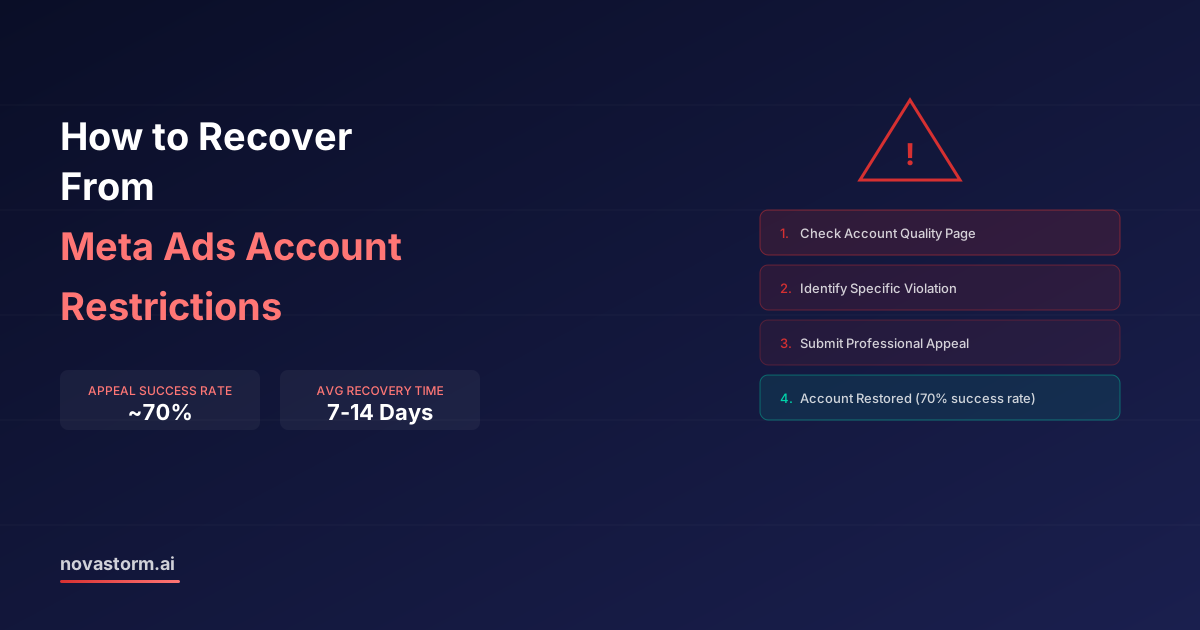
Dealing with Meta Ads account restrictions is one of the most stressful experiences in digital advertising. One day your campaigns are running, the next you see that dreaded notification: 'Your advertising access is restricted.' Whether it's a full account disable or limited functionality, the impact on your business can be immediate and severe.
The good news is that most Meta Ads account restrictions can be resolved. About 70% of appealed restrictions are overturned within 7-14 days when handled correctly. This guide walks you through the exact steps to recover your account and, more importantly, how to prevent restrictions in the first place.
Types of Meta Ads Account Restrictions
Not all restrictions are equal. Meta applies different levels of enforcement depending on the severity and nature of the violation. Understanding which type you're dealing with determines your recovery strategy.
| Restriction Type | Impact | Recovery Difficulty | Typical Timeframe |
|---|---|---|---|
| Ad Rejected | Single ad disabled | Easy — edit and resubmit | 1-24 hours |
| Ad Set Restricted | Specific ad set paused | Moderate — review and appeal | 1-3 days |
| Spending Limit | Reduced daily spending cap | Moderate — gradual lift | 3-7 days |
| Account Restricted | All ads paused, limited access | Difficult — formal appeal | 7-14 days |
| Account Disabled | Complete loss of access | Very difficult — escalation needed | 14-30+ days |
| Business Manager Ban | All connected accounts affected | Extremely difficult | 30+ days |
If you receive a Business Manager-level restriction, do NOT create a new Business Manager to circumvent it. Meta tracks this and it leads to permanent bans across all your accounts.
Why Meta Restricts Ad Accounts
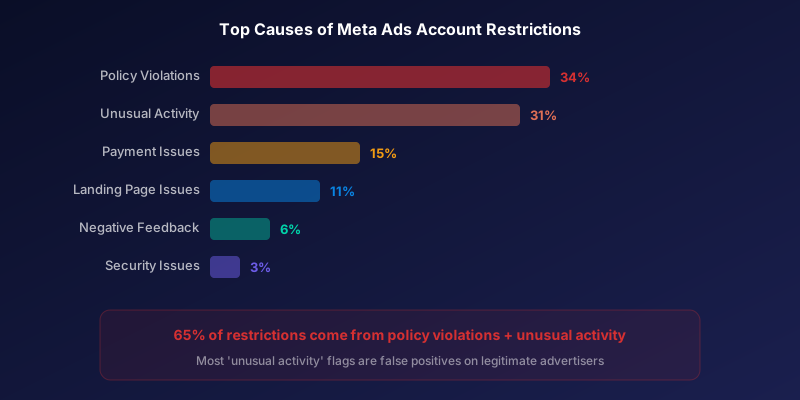
Meta's automated systems flag accounts based on a combination of factors. Understanding these triggers helps you both recover and prevent future issues.
- Policy violations: Prohibited content, misleading claims, discriminatory targeting, before/after images
- Payment issues: Failed payments, chargebacks, suspicious billing activity
- Unusual activity: Sudden spend increases, new payment methods, location changes, new admin access
- Low quality signals: High ad rejection rate, many negative feedback reports from users
- Landing page issues: Misleading destination, broken links, popup-heavy pages, content mismatch
- Account security: Compromised accounts, unauthorized access attempts
The most common trigger we see is 'unusual activity' — which often affects legitimate advertisers who scale budgets quickly, travel internationally, or add new team members. Meta's AI interprets these normal business activities as potential fraud signals.
The Step-by-Step Recovery Process
Time is critical when your account is restricted. Follow this exact process to maximize your chances of quick recovery.
- Step 1: Check Account Quality page (business.facebook.com/accountquality) for specific violation details
- Step 2: Review all flagged ads and identify the exact policy violation cited
- Step 3: Document your compliance — gather evidence that your ads follow Meta's policies
- Step 4: Submit an appeal through the Account Quality dashboard (not through support chat)
- Step 5: Write a clear, professional appeal addressing the specific violation mentioned
- Step 6: Wait 24-48 hours before following up — multiple appeals delay processing
- Step 7: If initial appeal is denied, request manual review through Meta Business Help Center
- Step 8: For business-critical accounts, consider contacting your Meta rep (if you have one) or using the live chat escalation
In your appeal, be specific and factual. Don't say 'I didn't violate any policies.' Instead say: 'The flagged ad for [product] complies with Meta's advertising standards because [specific reason]. The landing page accurately represents the product as shown in [evidence].'
Stop wasting ad budget
NovaStorm AI cuts Meta Ads CPA by 40% on average. Start free.
Writing an Effective Appeal
Your appeal message is the most important factor in recovery speed. Meta's review team processes thousands of appeals daily, so clarity and specificity matter enormously.
Structure your appeal in three parts: (1) Acknowledge the restriction and reference the specific violation cited. (2) Explain why your advertising complies with Meta's policies with specific evidence. (3) Describe any corrective actions you've already taken.
| Do | Don't |
|---|---|
| Reference specific policy sections | Write emotional or angry messages |
| Provide evidence of compliance | Threaten legal action |
| Be concise (under 300 words) | Write essays or repeat yourself |
| Address the exact violation cited | Claim you've 'never done anything wrong' |
| Mention business impact professionally | Send multiple appeals simultaneously |
| Include corrective actions taken | Create new accounts as workaround |
Preventing Future Meta Ads Account Restrictions
Prevention is far easier than recovery. These practices dramatically reduce your risk of restrictions.
- Review Meta's Advertising Standards quarterly — policies update frequently
- Scale budgets gradually (no more than 30% increase per day)
- Maintain consistent billing: use a reliable payment method with sufficient funds
- Keep your ad rejection rate below 10% — too many rejected ads triggers account review
- Set up two-factor authentication on all admin accounts
- Limit admin access to trusted team members only
- Test new ad creative in small batches before scaling
- Ensure landing pages match ad claims exactly — no bait-and-switch
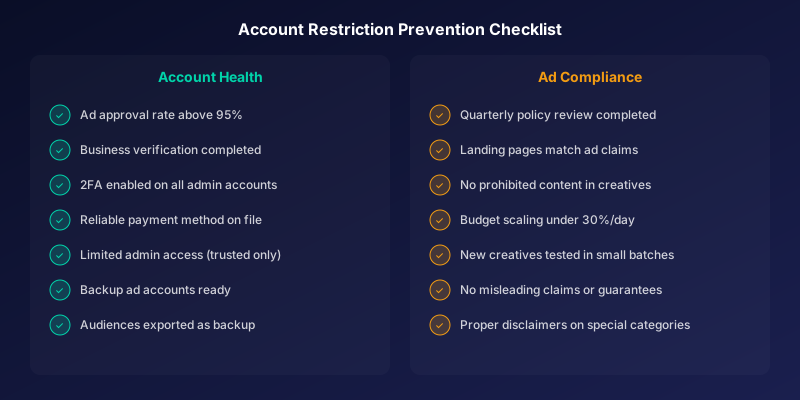
Accounts that maintain an ad approval rate above 95% are 85% less likely to face account-level restrictions. Keeping your rejection rate low is the single best prevention strategy.
Building Account Resilience
Smart advertisers don't rely on a single ad account. Building redundancy into your setup protects your business from catastrophic disruption.
- Maintain 2-3 ad accounts under the same Business Manager
- Use separate ad accounts for different product lines or campaigns
- Keep a backup payment method on file for each account
- Document all campaigns, audiences, and creative assets externally
- Export your custom audiences regularly as a backup
- Use Meta's Business Verification to establish account trust
Business verification is particularly important. Verified businesses receive priority in appeal reviews, have higher spending limits, and face fewer false-positive restrictions. The verification process takes 2-5 business days and requires basic business documentation.
Novastorm AI monitors your ad account health indicators 24/7, alerting you to rising rejection rates, policy changes that affect your ads, and unusual activity patterns — helping you prevent restrictions before they happen.
Novastorm AI automates Meta Ads routine — from monitoring to optimization. Learn more at novastorm.ai
Disclaimer: This article was generated with the assistance of AI and reviewed by the NovaStorm AI team. While we strive for accuracy, we recommend verifying specific data points and consulting official sources (linked where available) for critical business decisions.
Ready to automate your Meta Ads?
NovaStorm AI takes full responsibility for your campaigns — from monitoring to optimization.
Get Started FreeRelated Articles
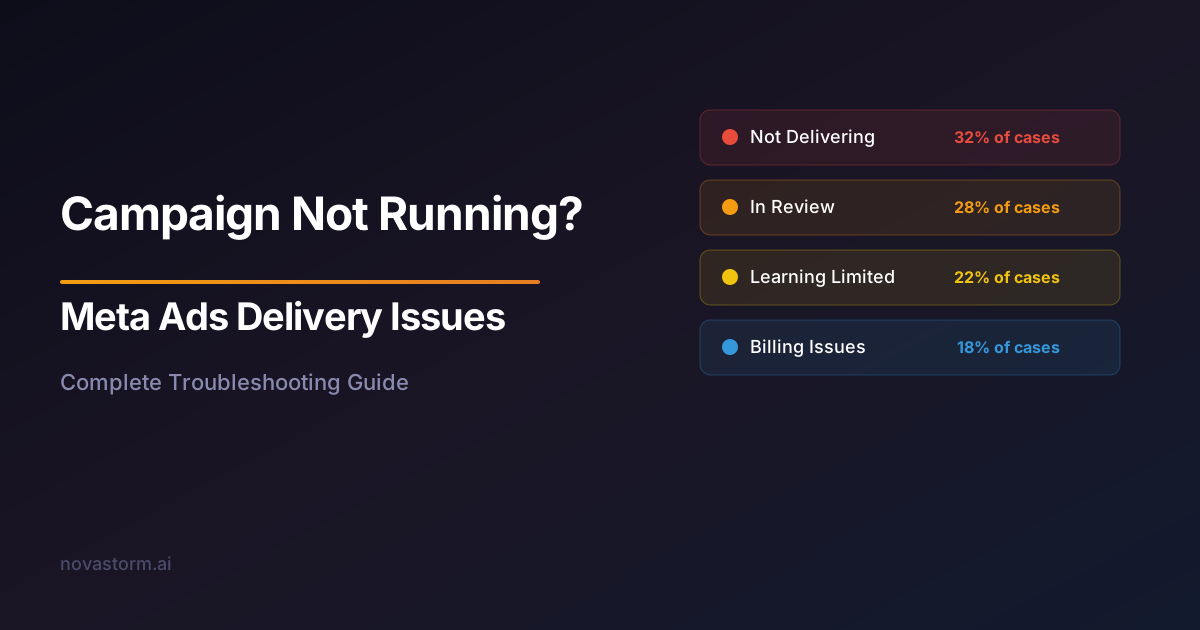
Meta Ads Delivery Issues: Why Your Campaign Is Not Running
Fix Meta Ads delivery issues with this comprehensive guide. Learn why your campaign is not running and how to resolve approval, billing, and targeting problems.
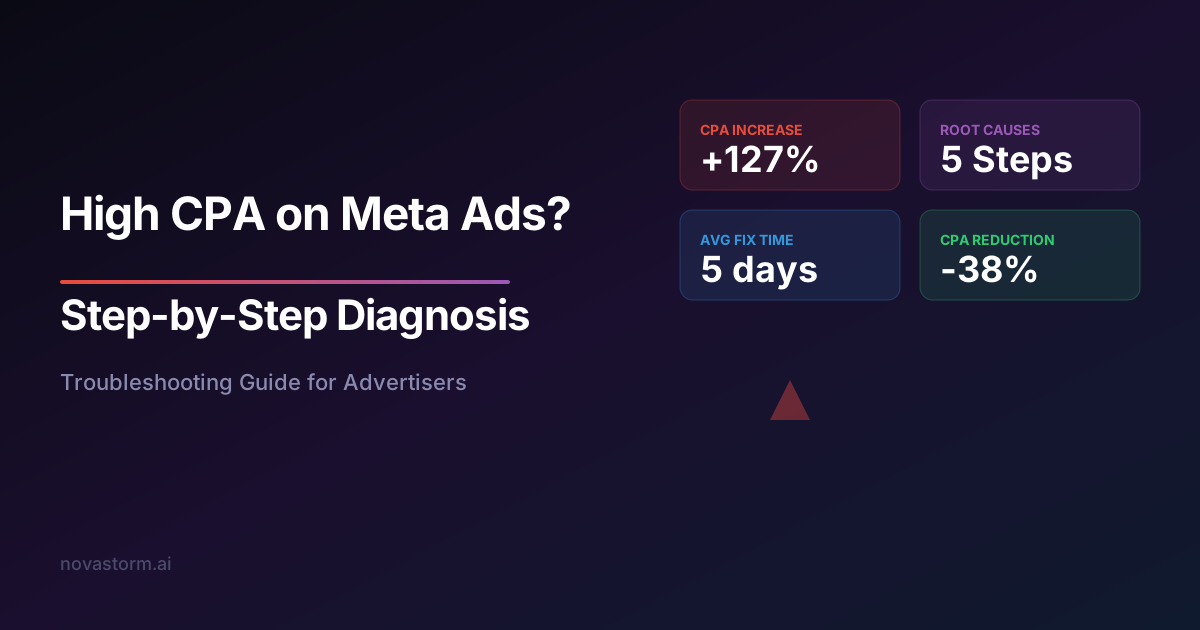
High CPA Troubleshooting on Meta Ads: Step-by-Step Diagnosis
Reduce high CPA on Meta Ads with this step-by-step troubleshooting guide. Diagnose creative, targeting, funnel, and bidding issues driving up acquisition costs.
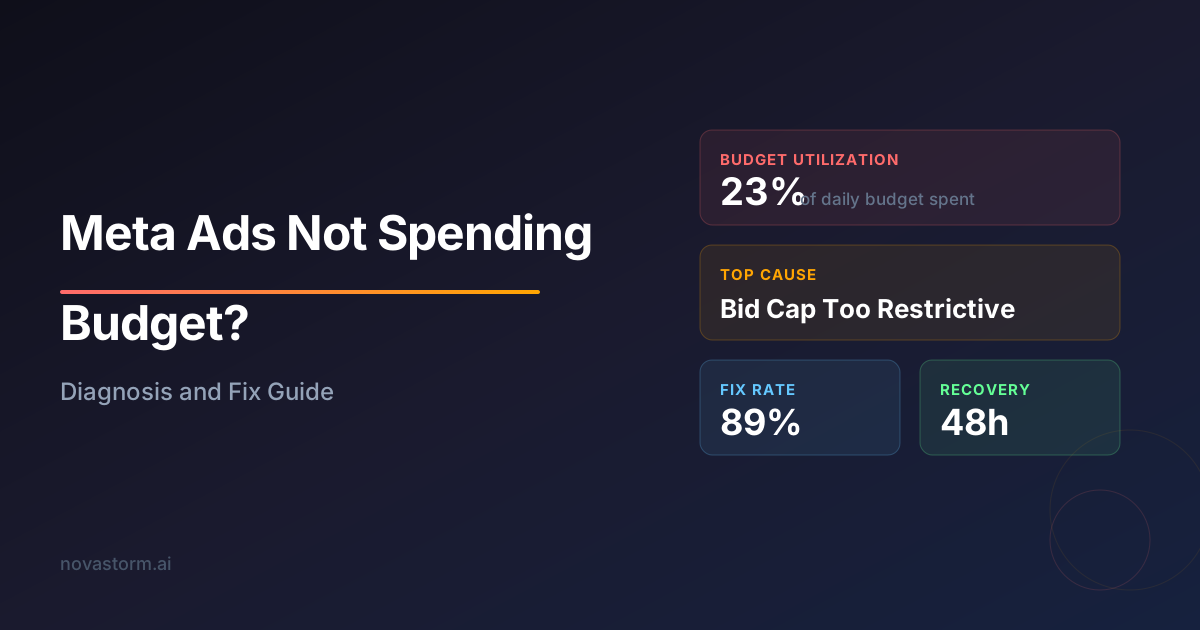
Meta Ads Not Spending Budget: Diagnosis and Fix Guide
Discover why your Meta Ads are not spending budget and how to fix delivery issues. Step-by-step diagnosis guide covering bid strategy, audience, and creative fixes.