High CPA Troubleshooting on Meta Ads: Step-by-Step Diagnosis
Reduce high CPA on Meta Ads with this step-by-step troubleshooting guide. Diagnose creative, targeting, funnel, and bidding issues driving up acquisition costs.
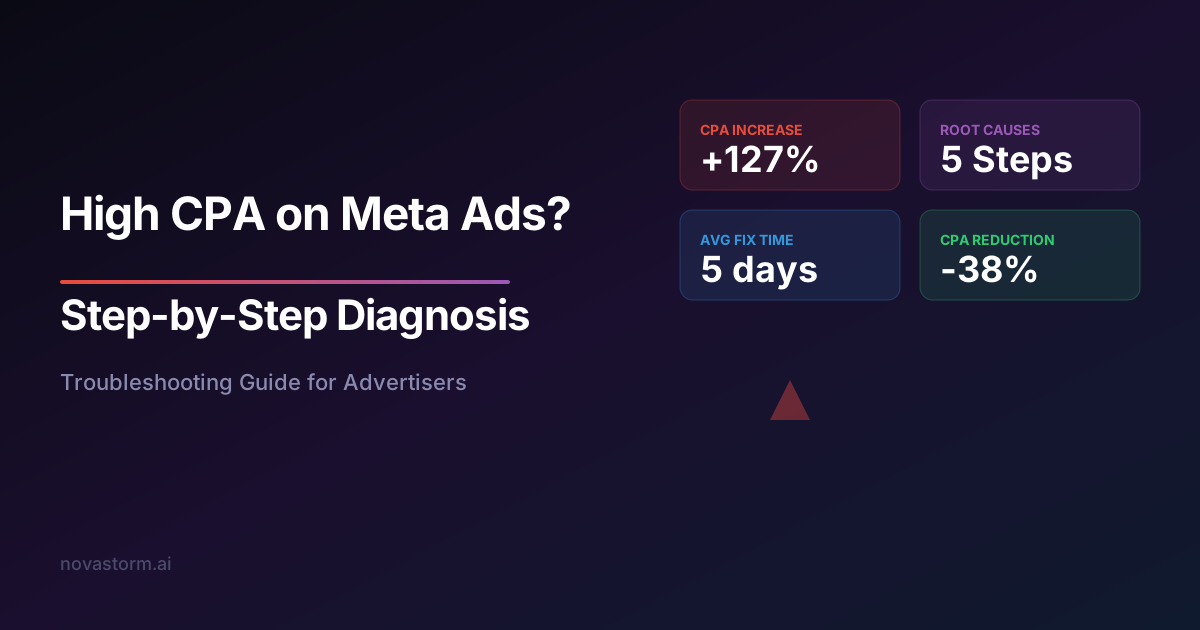
Your Meta Ads campaign was profitable last month. Now your cost per acquisition has doubled, and every additional dollar spent feels like it is being poured into a leaking bucket. High CPA troubleshooting on Meta Ads requires a systematic approach because the problem rarely has a single cause.
Rising acquisition costs are the number one concern among Meta advertisers. The platform's increasing competition, privacy changes, and algorithm updates all contribute to CPA volatility. But understanding the specific drivers in your account is what separates advertisers who fix the problem from those who abandon the platform.
Understanding CPA Components in Meta Ads
CPA is not a single metric. It is the result of multiple upstream metrics compounding together. To perform effective high CPA troubleshooting on Meta Ads, you need to decompose the number into its component parts.
The formula is straightforward: CPA = CPM / (CTR x Conversion Rate x 1000). Each variable in this equation represents a distinct optimization lever. A 20% improvement in any single component produces a 20% reduction in CPA.
| Metric | What It Measures | Primary Lever |
|---|---|---|
| CPM | Cost per 1,000 impressions | Audience competition and ad quality |
| CTR | Click-through rate | Creative relevance and ad copy |
| Landing Page CVR | Conversion rate on site | Page experience and offer strength |
| Event Match Quality | Signal accuracy | Pixel and CAPI implementation |
Step 1: Audit Your CPM Trends
Open your Ads Manager and add CPM as a column. Compare the current CPM to your 30-day and 90-day averages. If CPM has increased significantly while CTR and conversion rate remain stable, the CPA increase is driven by higher auction costs.
Rising CPMs indicate either increased competition for your audience or declining ad quality scores. Seasonal spikes during Q4, for example, can increase CPMs by 40-60% across all advertisers.
Check the Auction Overlap report under Inspect. If your own ad sets are competing against each other, consolidation will immediately reduce CPMs and improve CPA efficiency.
- Compare CPM to 90-day average baseline
- Check Auction Insights for new competitor activity
- Review frequency — above 3.0 often correlates with CPM spikes
- Evaluate quality ranking in ad diagnostics
- Consider broadening audience to access cheaper impression pools
Step 2: Diagnose Click-Through Rate Decline
CTR is the most direct measure of creative performance. If your CTR has dropped while CPM is stable, the CPA increase is a creative problem. This is actually good news because creative is the variable you have the most control over.
When performing high CPA troubleshooting on Meta Ads, segment your CTR data by placement. Reels, Stories, and Feed each have different CTR benchmarks. A creative that performs well in Feed may fail completely in Reels because the format demands different visual and audio treatment.
| Placement | Good CTR | Average CTR | Below Average CTR |
|---|---|---|---|
| Facebook Feed | 2.0%+ | 1.0-2.0% | Under 1.0% |
| Instagram Feed | 1.5%+ | 0.8-1.5% | Under 0.8% |
| Reels | 1.8%+ | 0.9-1.8% | Under 0.9% |
| Stories | 1.2%+ | 0.5-1.2% | Under 0.5% |
| Audience Network | 0.8%+ | 0.3-0.8% | Under 0.3% |
Step 3: Evaluate Landing Page Conversion Rate
You may be generating clicks efficiently, but if your landing page is not converting, the CPA will remain elevated. Cross-reference your Meta Ads data with Google Analytics or your analytics platform to measure the true on-site conversion rate.
Common landing page issues that inflate CPA include slow load times, messaging mismatch between the ad and the page, friction in the checkout or lead form process, and missing trust signals. Mobile experience deserves special attention since 85% or more of Meta ad traffic is mobile.
Stop wasting ad budget
NovaStorm AI cuts Meta Ads CPA by 40% on average. Start free.
- Test landing page speed with Google PageSpeed Insights — target under 2.5 seconds LCP
- Compare bounce rate for Meta traffic versus other channels
- Verify the landing page headline mirrors the ad promise
- Check form length — every additional field reduces conversion by 5-10%
- Audit mobile experience separately from desktop
- Implement social proof above the fold
Step 4: Review Signal Quality and Tracking
Poor tracking does not just misrepresent results. It actually causes higher CPA by degrading the algorithm's optimization signals. If Meta cannot accurately attribute conversions back to ad interactions, it optimizes toward users who are less likely to convert.
Check your Event Match Quality score in Events Manager. A score below 6 out of 10 indicates significant signal loss. Implementing Conversions API alongside the pixel can improve match quality by 15-30%, which directly translates to better optimization and lower CPA.
After iOS 14.5, relying solely on the Meta Pixel results in 30-40% signal loss. Conversions API is no longer optional — it is a requirement for competitive CPA performance.
Step 5: Restructure Campaign Architecture
Fragmented campaign structures with many small ad sets are a leading cause of high CPA. Each ad set needs 50 conversion events per week to optimize effectively. Splitting budget across too many ad sets starves the algorithm of the data it needs.
When high CPA troubleshooting on Meta Ads points to a structural issue, the solution is consolidation. Merge similar audiences into fewer ad sets, use Campaign Budget Optimization, and let Advantage+ features handle distribution.
| Structure Issue | CPA Impact | Fix |
|---|---|---|
| 10+ ad sets per campaign | +30-50% CPA | Consolidate to 3-5 ad sets |
| Overlapping audiences | +15-25% CPA | Use audience exclusions or merge |
| Manual placements | +10-20% CPA | Switch to Advantage+ Placements |
| Daily budget under $20/ad set | +20-40% CPA | Increase or consolidate budgets |
Building a CPA Monitoring Framework
One-time fixes are insufficient. CPA is a dynamic metric that requires continuous monitoring against benchmarks. Establish weekly review cycles where you track CPM, CTR, CVR, and CPA together to catch regressions early.
Set automated alerts for when CPA exceeds your target by more than 20%. This gives you a buffer period to investigate before costs spiral. The most effective advertisers use real-time monitoring tools that flag anomalies within hours, not days.
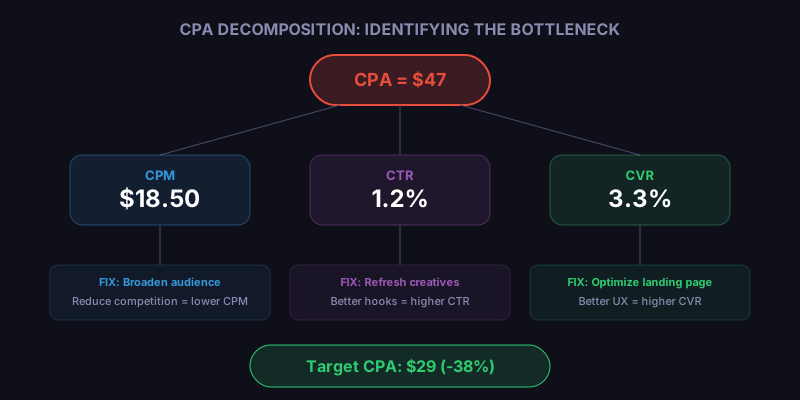
The diagram above shows how each component flows into overall CPA. Identifying which component shifted is the fastest path to a targeted fix, rather than making broad changes that may create new problems.
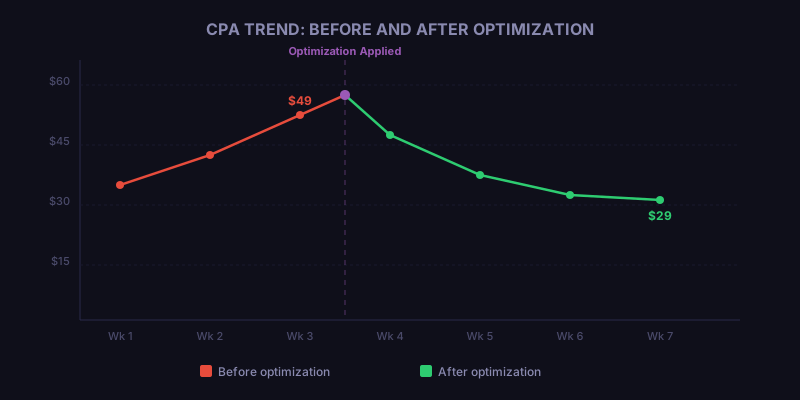
Effective high CPA troubleshooting on Meta Ads is not about guessing. It is about measurement, diagnosis, and targeted intervention. Follow the five-step process outlined here, and you will have a clear action plan within an hour of identifying the problem.
Novastorm AI automates Meta Ads routine — from monitoring to optimization. Learn more at novastorm.ai
Disclaimer: This article was generated with the assistance of AI and reviewed by the NovaStorm AI team. While we strive for accuracy, we recommend verifying specific data points and consulting official sources (linked where available) for critical business decisions.
Ready to automate your Meta Ads?
NovaStorm AI takes full responsibility for your campaigns — from monitoring to optimization.
Get Started FreeRelated Articles
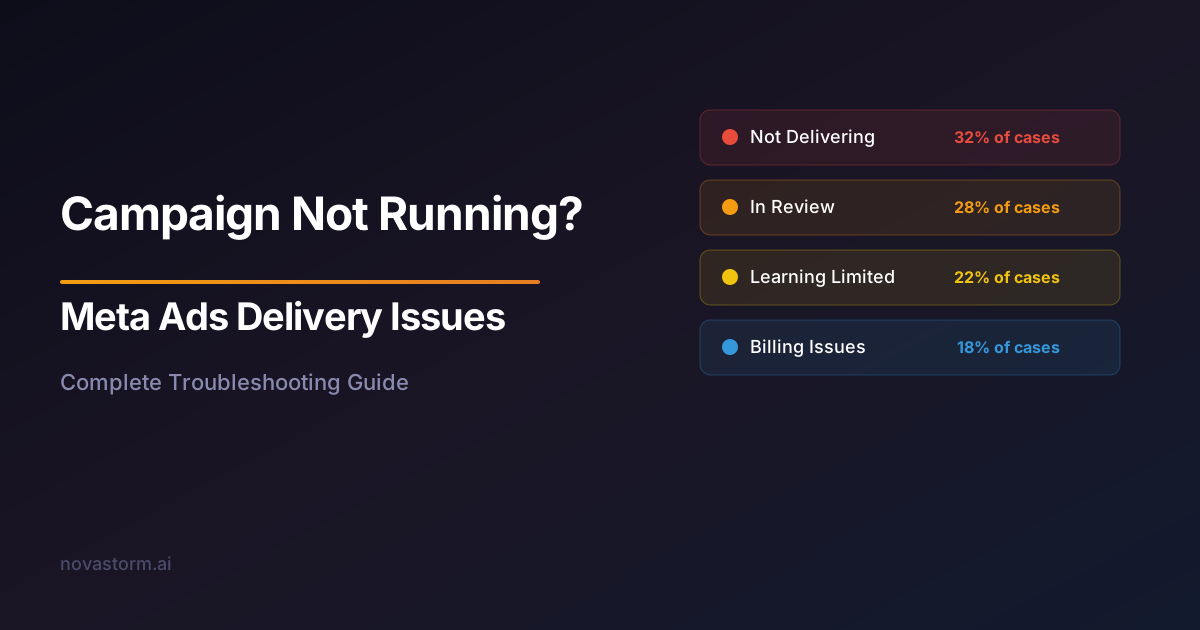
Meta Ads Delivery Issues: Why Your Campaign Is Not Running
Fix Meta Ads delivery issues with this comprehensive guide. Learn why your campaign is not running and how to resolve approval, billing, and targeting problems.
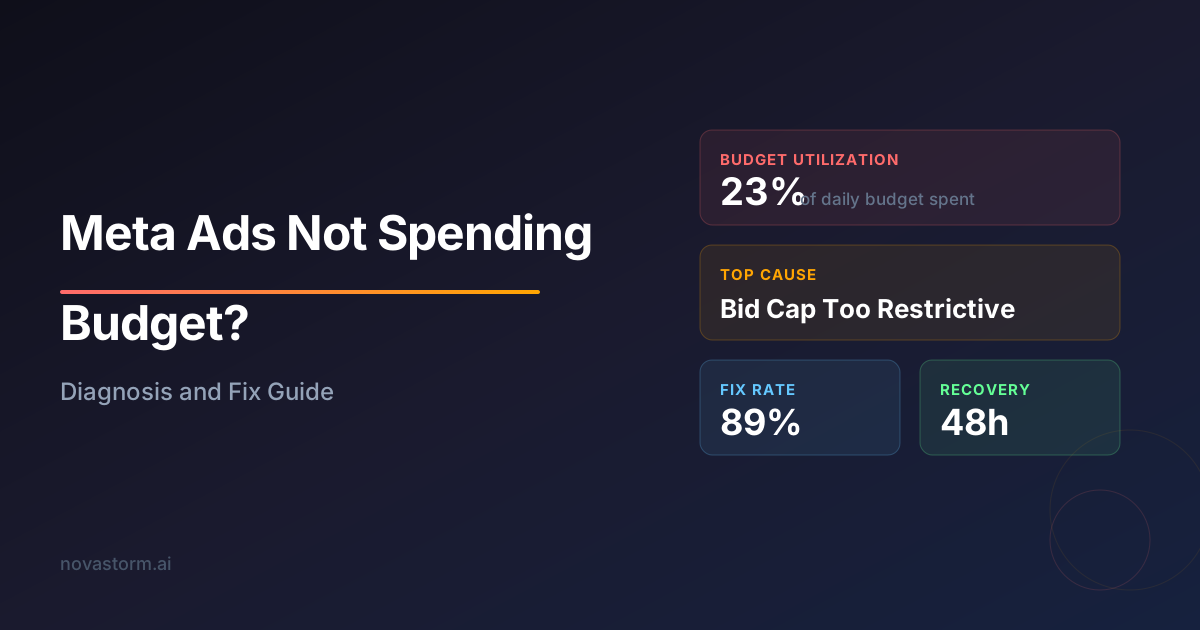
Meta Ads Not Spending Budget: Diagnosis and Fix Guide
Discover why your Meta Ads are not spending budget and how to fix delivery issues. Step-by-step diagnosis guide covering bid strategy, audience, and creative fixes.
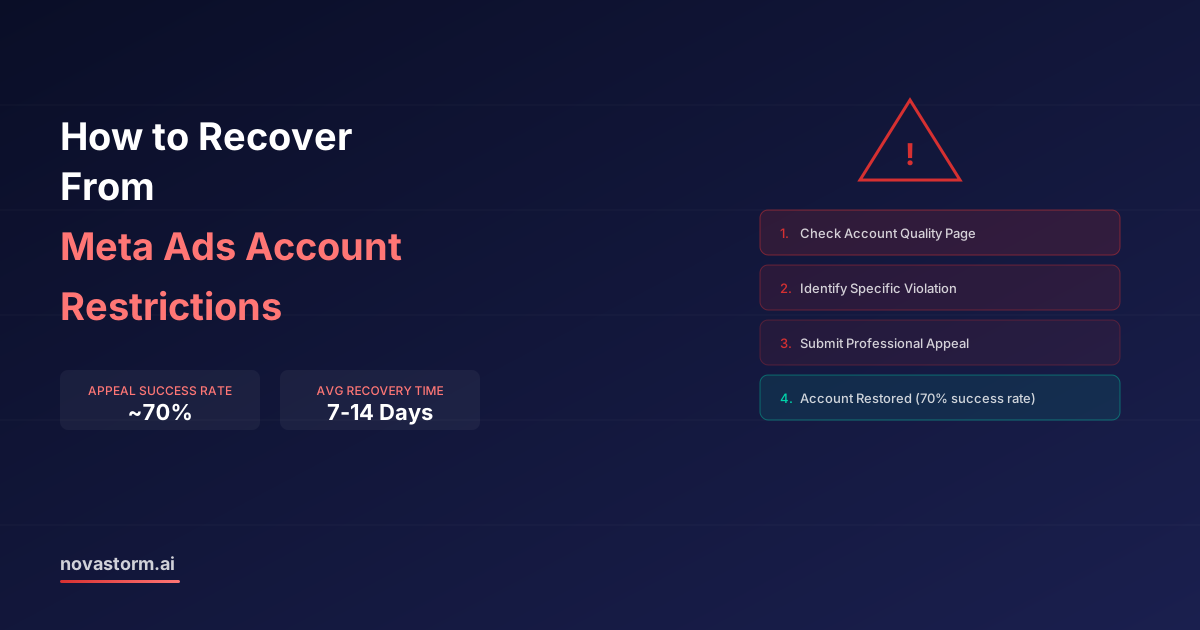
How to Recover From Meta Ads Account Restrictions
Step-by-step guide to recover from Meta Ads account restrictions. Learn why accounts get restricted, how to appeal, and how to prevent it from happening again.