How to Read Meta Ads Metrics Without Getting Overwhelmed
Learn how to read Meta Ads metrics without getting overwhelmed. A focused framework of 7 essential metrics that tell you everything you need to optimize.
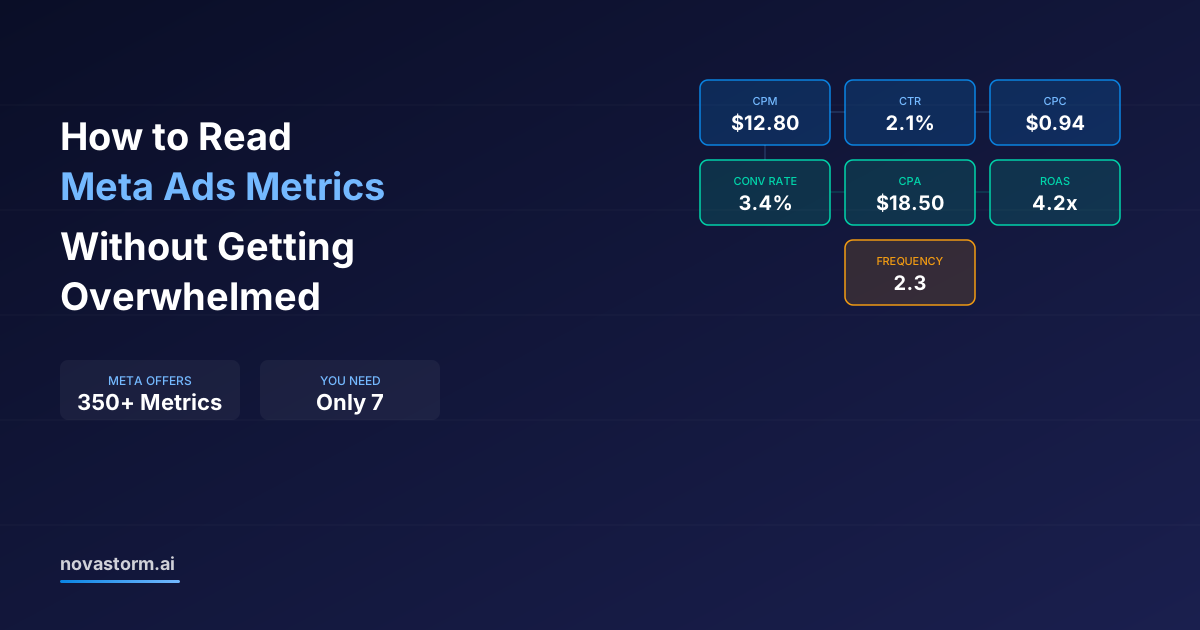
Learning how to read Meta Ads metrics effectively is the difference between making data-driven decisions and drowning in numbers. Meta Ads Manager offers over 350 different metrics, breakdowns, and custom columns. No wonder most advertisers feel overwhelmed — they're looking at too much data and understanding too little of it.
The good news: you only need to track 7 core metrics to understand campaign health, diagnose problems, and make smart optimization decisions. Everything else is noise until you need to drill deeper into a specific issue.
The 7 Metrics That Actually Matter
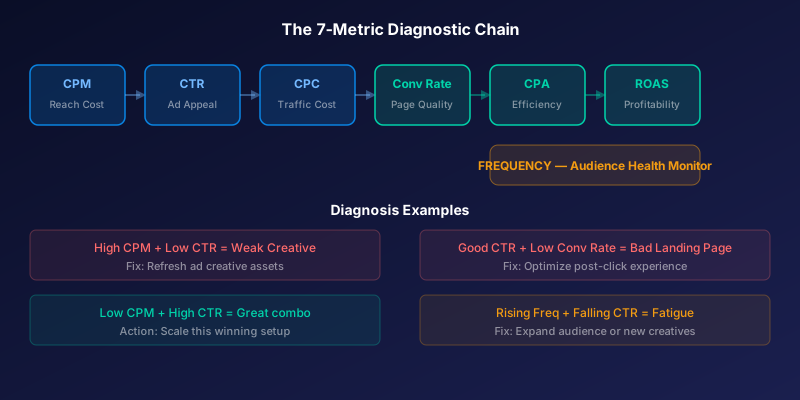
Before we dive into each metric, here's the framework. These 7 metrics form a diagnostic chain — each one tells you something specific about your campaign and points to what's working or broken.
| Metric | What It Tells You | Healthy Range | Red Flag |
|---|---|---|---|
| CPM (Cost per 1,000 impressions) | How expensive your audience is to reach | $8-$20 (varies by industry) | Above $30 consistently |
| CTR (Click-Through Rate) | How compelling your ad creative is | 1.0-3.0% | Below 0.8% |
| CPC (Cost per Click) | Efficiency of driving traffic | $0.50-$2.00 | Above $3.00 |
| Conversion Rate | How well your landing page converts | 2-5% for ecommerce | Below 1% |
| CPA (Cost per Action) | Overall cost efficiency | Varies by business | Above target for 3+ days |
| ROAS (Return on Ad Spend) | Revenue vs. ad spend | 3x+ for ecommerce | Below 2x |
| Frequency | How often same people see your ad | 1.5-3.0 (prospecting) | Above 4.0 |
How to Read Meta Ads Metrics as a Diagnostic Chain
These metrics aren't independent — they form a cause-and-effect chain. A problem at any point cascades downstream. Understanding this chain is the secret to fast, accurate diagnosis.
The chain flows like this: CPM affects how many people see your ad. CTR determines how many of those viewers click. CPC is the cost-per-click result. Conversion rate determines how many clicks become customers. CPA is the final cost. ROAS shows whether that cost is profitable. Frequency warns when the audience is exhausted.
- High CPM + Good CTR = Expensive audience but great creative. Consider broadening targeting.
- Low CPM + Low CTR = Cheap audience but weak creative. Refresh your ad assets.
- Good CTR + Low Conversion Rate = Strong ad but weak landing page. Fix your post-click experience.
- Good Conversion Rate + High CPA = Landing page works but traffic is too expensive. Optimize targeting.
- Declining ROAS + Stable CPA = Revenue per customer is dropping. Check average order value.
- Rising Frequency + Declining CTR = Audience fatigue. Expand audience or refresh creative.
Start every analysis from the top of the chain (CPM) and work down. The first metric that looks off usually reveals the root cause. Fixing downstream metrics without addressing the upstream problem is a waste of time.
Setting Up Your Custom Columns View
Meta's default Ads Manager columns show a mix of useful and irrelevant metrics. Create a custom column preset that shows only your 7 core metrics plus a few supporting ones.
- Go to Ads Manager → Columns dropdown → Customize Columns
- Remove all default columns
- Add in this order: Delivery status, Budget, Amount spent, Impressions, CPM, Clicks (link), CTR (link click-through rate), CPC (cost per link click), Results, Cost per result (CPA), Purchase ROAS, Frequency
- Save as preset named 'Core Metrics'
- Set as your default view
Stop wasting ad budget
NovaStorm AI cuts Meta Ads CPA by 40% on average. Start free.
Always use 'Link Click-Through Rate' and 'Cost per Link Click' — NOT the generic CTR and CPC. Generic versions include all clicks (profile visits, reactions, comments), inflating your numbers and hiding real engagement quality.
Read Meta Ads Metrics at the Right Time Intervals
How often you check metrics is just as important as which metrics you track. Checking too frequently leads to knee-jerk reactions. Checking too rarely allows problems to compound.
| Check Frequency | What to Review | Action Threshold |
|---|---|---|
| Daily (2 min) | Spend, CPA, any paused campaigns | Overspend or campaigns stopped unexpectedly |
| Every 3 days (10 min) | CPM trends, CTR changes, frequency | CTR dropping, frequency rising, CPM spiking |
| Weekly (30 min) | Full 7-metric analysis, ROAS by campaign | ROAS below target, CPA above target for 5+ days |
| Bi-weekly (1 hour) | Creative performance, audience saturation | Creative fatigue, audience overlap analysis |
| Monthly (2 hours) | Account-level trends, budget reallocation | Strategic shifts, budget redistribution across campaigns |
Common Metric Misinterpretations
Even experienced advertisers misread metrics regularly. These are the most common interpretation errors that lead to bad decisions.
- Confusing correlation with causation: High CTR doesn't always mean better results — clickbait gets clicks but not conversions
- Ignoring attribution windows: A campaign with low same-day CPA might look great but have inflated 7-day attributed numbers
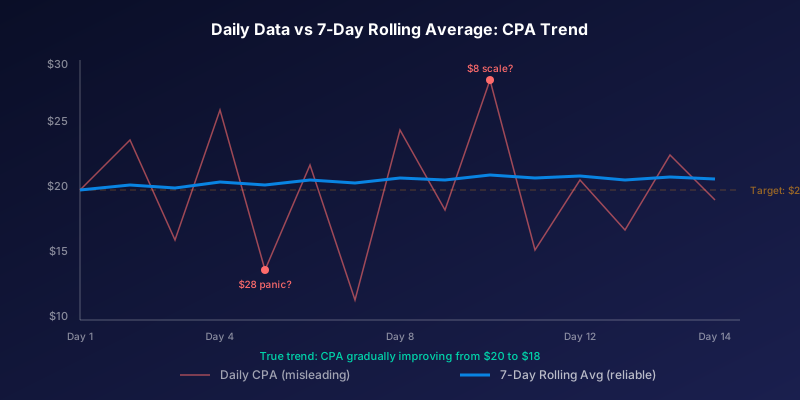
- Comparing different time ranges: Yesterday's CPA vs last week's isn't apples-to-apples due to day-of-week effects
- Overreacting to single-day data: One bad day doesn't mean a campaign is failing — look at 3-day minimum trends
- Ignoring statistical significance: An ad set with 2 conversions at $10 CPA isn't proven better than one with 20 conversions at $15
Automate Metric Monitoring for Peace of Mind
The best advertisers don't stare at dashboards all day. They set up alerts that notify them only when something needs attention. This approach saves hours while catching problems faster than manual checks.
Set up automated alerts for the critical thresholds in your 7-metric framework: CPA exceeding target by 30%, frequency above 4.0, CTR dropping below 1%, and daily spend exceeding budget by 20%. When everything runs within normal ranges, you can focus on strategy instead of monitoring.
Novastorm AI monitors all your key metrics 24/7 and sends intelligent alerts only when action is needed. No more obsessive dashboard checking — get notified about what matters, when it matters.
Novastorm AI automates Meta Ads routine — from monitoring to optimization. Learn more at novastorm.ai
Disclaimer: This article was generated with the assistance of AI and reviewed by the NovaStorm AI team. While we strive for accuracy, we recommend verifying specific data points and consulting official sources (linked where available) for critical business decisions.
Ready to automate your Meta Ads?
NovaStorm AI takes full responsibility for your campaigns — from monitoring to optimization.
Get Started FreeRelated Articles
Looker Studio and Meta Ads: Building Custom Performance Dashboards
Learn how to build custom Looker Studio dashboards for Meta Ads. Step-by-step guide to connecting data, creating visualizations, and automating performance reports.
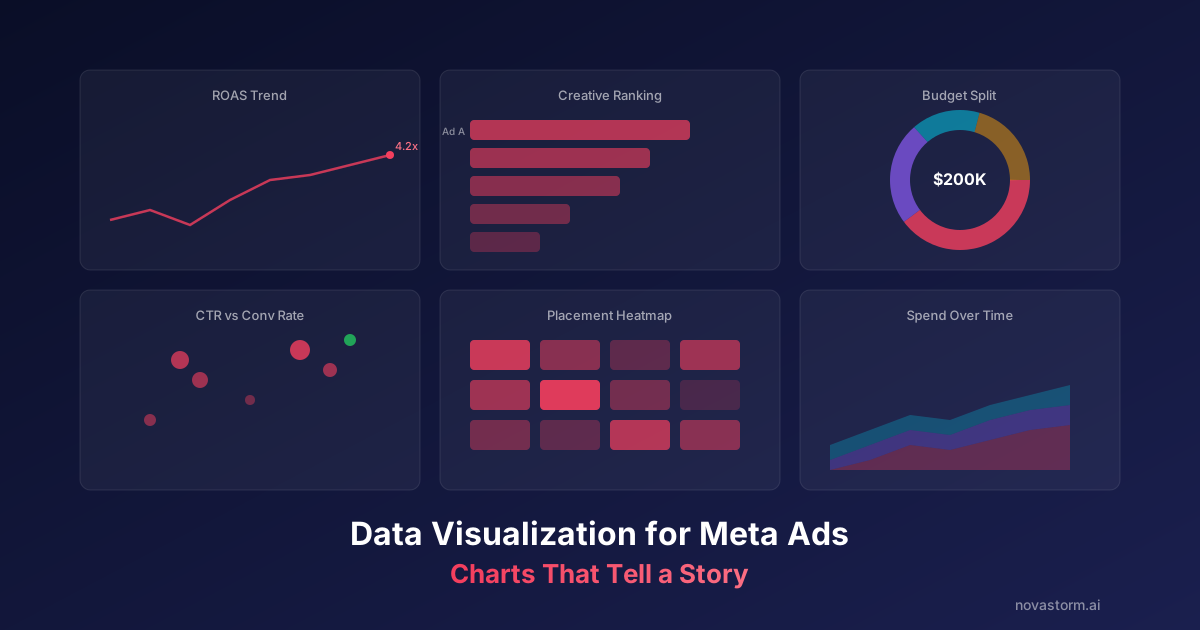
Data Visualization for Meta Ads: Charts That Tell a Story
Master data visualization for Meta Ads with chart types that communicate insights instantly. Learn which charts to use for spend, performance, and creative analysis.
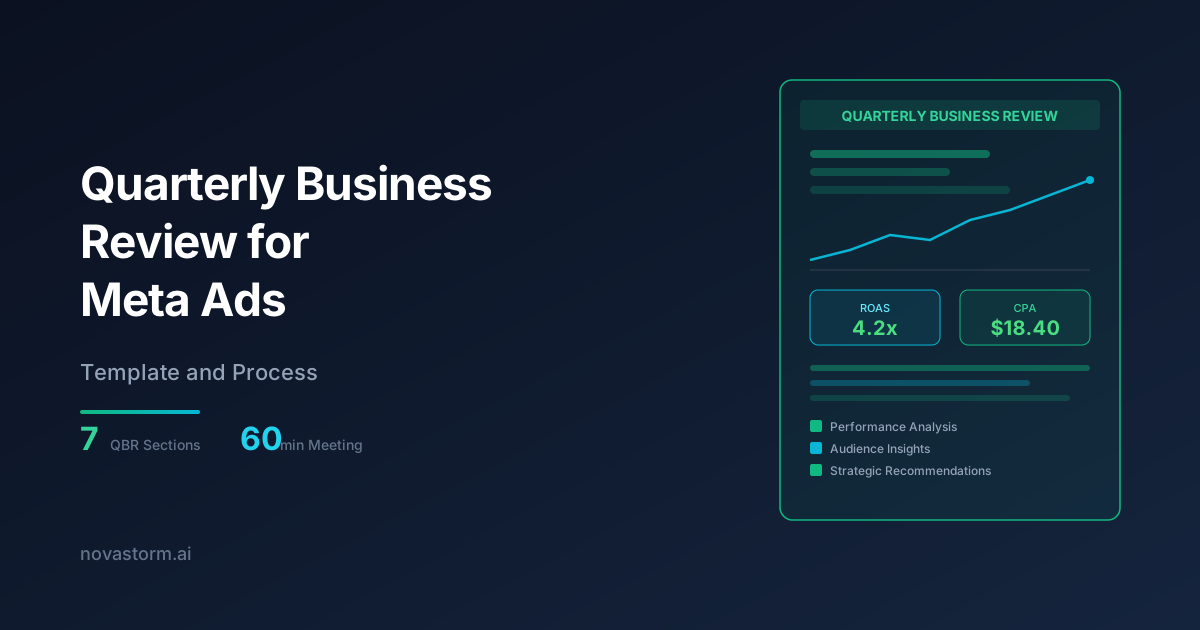
Quarterly Business Review for Meta Ads: Template and Process
Build a structured quarterly business review for Meta Ads with our proven template covering performance analysis, strategic insights, and actionable next steps.