Creative Production Workflow for Meta Ads: From Brief to Launch
Master the creative production workflow for Meta Ads. Learn the step-by-step process from creative brief to ad launch that top-performing teams follow.
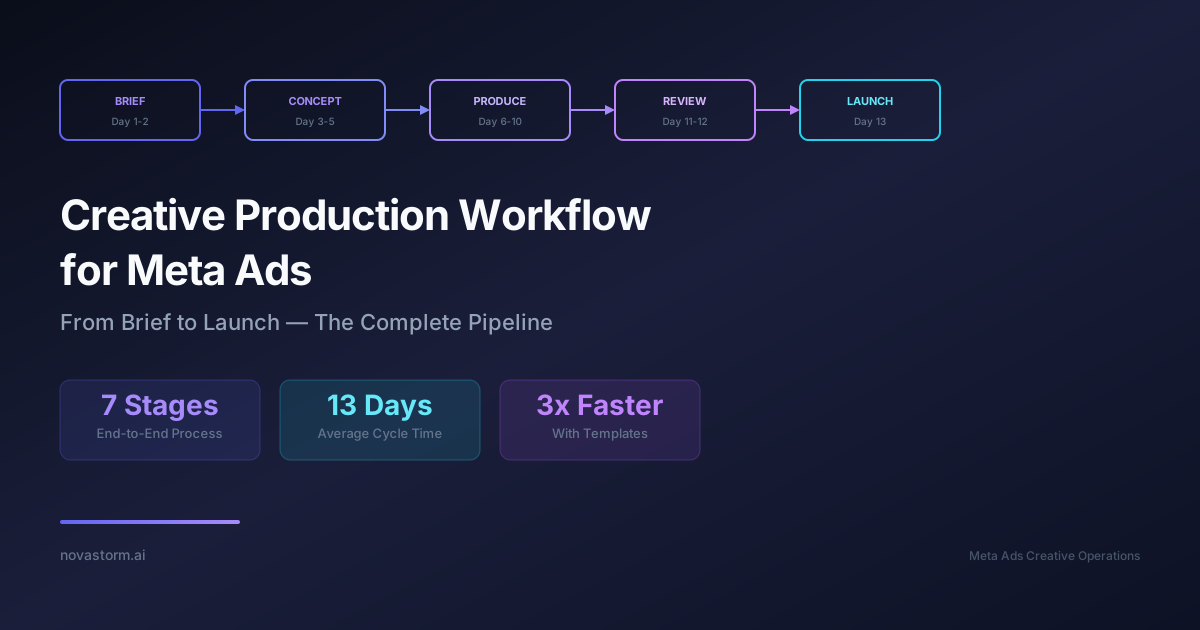
Running Meta Ads without a structured creative production workflow is like building a house without blueprints. You might get something standing, but it will not be efficient, scalable, or consistent. The creative production workflow for Meta Ads is the backbone of every high-performing advertising operation, turning raw ideas into polished assets that drive conversions.
Whether you are a solo marketer managing a dozen campaigns or part of a larger team producing hundreds of ad variations per month, having a repeatable process saves time, reduces errors, and dramatically improves output quality. In this guide, we break down the complete creative production workflow for Meta Ads from initial brief to final launch.
Why a Structured Creative Production Workflow Matters
Meta's algorithm rewards fresh creative. Accounts that consistently introduce new ad variations see lower CPMs and higher delivery efficiency. But volume without process leads to chaos. A well-defined creative production workflow for Meta Ads ensures that every asset meets quality standards, aligns with brand guidelines, and ships on time.
Teams without a workflow often face bottlenecks: approvals take days, designers rework assets because briefs were unclear, and campaigns launch late. A structured process eliminates these friction points and creates accountability at every stage.
| Workflow Stage | Owner | Avg. Duration | Key Output |
|---|---|---|---|
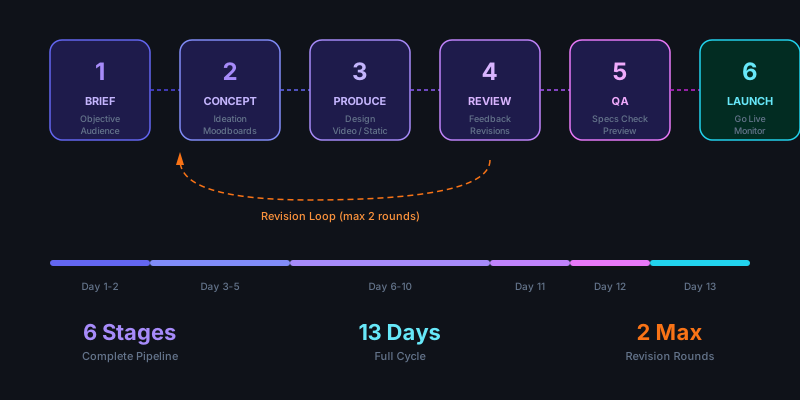
| Creative Brief | Strategist | 1-2 days | Brief document |
| Concept Development | Designer + Copywriter | 2-3 days | Mood boards, scripts |
| Asset Production | Designer / Editor | 3-5 days | Raw creative files |
| Internal Review | Team Lead | 1 day | Feedback notes |
| Revisions | Designer | 1-2 days | Final assets |
| QA & Upload | Media Buyer | 0.5 days | Live ads in Ads Manager |
| Performance Review | Analyst | Ongoing | Performance reports |
Step 1: Crafting the Creative Brief
Every successful ad starts with a clear creative brief. This document serves as the single source of truth for everyone involved in the production process. A vague brief leads to misaligned creative, wasted time, and frustration across the team.
Your creative brief should include the campaign objective, target audience, key messaging pillars, format requirements, placement specifications, and any brand constraints. For Meta Ads specifically, note whether the creative needs to work across Feed, Stories, Reels, or all placements simultaneously.
Create a brief template in your project management tool. Pre-fill recurring fields like brand colors, font specifications, and logo placement rules so strategists can focus on the unique elements of each campaign.
Step 2: Concept Development and Ideation
With the brief in hand, the creative team moves into concept development. This phase is where raw ideas take shape. Designers create mood boards, copywriters draft headline variations, and video editors outline storyboards.
The most effective creative production workflow for Meta Ads incorporates data into ideation. Review past performance data to identify which visual styles, messaging angles, and formats have historically driven the best results. Use these insights to inform new concepts rather than starting from scratch every time.
- Review top-performing ads from the last 90 days for pattern insights
- Analyze competitor creative using the Meta Ad Library for inspiration
- Generate 3-5 concept directions per brief to give stakeholders options
- Include rough mockups or wireframes to visualize each concept direction
- Map each concept to a specific funnel stage and audience segment
Step 3: Asset Production and File Management
Production is where concepts become real assets. Depending on the format, this could mean designing static images in Photoshop, editing video clips in Premiere Pro, or building animated content in After Effects. The key is having clear specifications before production begins.
Meta supports a wide range of ad formats, and each has its own technical requirements. Producing assets that meet these specs from the start prevents costly rework later in the pipeline.
| Format | Recommended Size | Aspect Ratio | Max File Size |
|---|---|---|---|
| Feed Image | 1080 x 1080 px | 1:1 | 30 MB |
| Feed Video | 1080 x 1080 px | 1:1 or 4:5 | 4 GB |
| Stories/Reels | 1080 x 1920 px | 9:16 | 4 GB |
| Carousel Card | 1080 x 1080 px | 1:1 | 30 MB per card |
| Collection Cover | 1200 x 628 px | 1.91:1 | 30 MB |
File Naming Conventions
Establish a consistent naming convention from day one. A practical format includes the campaign name, format type, variation number, and date. For example: "summer-sale_feed-1x1_v3_20260223.png". This makes it easy to find, sort, and track assets as your library grows.
Stop wasting ad budget
NovaStorm AI cuts Meta Ads CPA by 40% on average. Start free.
Step 4: Review, Feedback, and Revisions
The review stage is where many teams lose time. Without clear feedback protocols, rounds of revisions can stretch endlessly. Set expectations upfront: limit feedback rounds to two, use a centralized tool for annotations, and ensure all stakeholders review simultaneously rather than sequentially.
A well-optimized creative production workflow for Meta Ads uses visual annotation tools so reviewers can point directly to elements that need changes. Written descriptions of visual feedback often lead to misinterpretation and additional revision cycles.
Avoid the "one more thing" trap. Each revision round should address all feedback at once. Adding new feedback after revisions are complete restarts the cycle and delays launch timelines significantly.
Step 5: QA, Upload, and Launch
Before any asset goes live, it must pass quality assurance. This means checking file sizes, verifying text-to-image ratios, confirming landing page URLs, and previewing how the ad renders across different placements and devices.
Upload assets to Ads Manager with structured naming that mirrors your file system. This keeps your campaign organized and makes performance analysis easier when you need to identify which specific creative variation drove results.
- Verify all assets meet Meta's technical specifications and policies
- Preview ads across Feed, Stories, and Reels placements on mobile and desktop
- Confirm tracking pixels and UTM parameters are correctly configured
- Double-check ad copy for typos, broken links, and CTA alignment
- Schedule or launch the campaign and monitor initial delivery metrics
Scaling Your Creative Production Workflow for Meta Ads
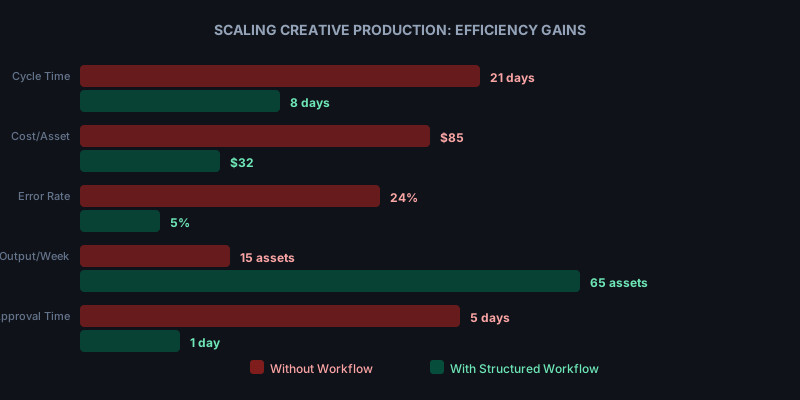
Once your workflow is established, the next challenge is scaling it. High-volume advertisers often need 50 to 100 new creative variations per week. Achieving this without sacrificing quality requires templatization, modular design systems, and automation wherever possible.
Build a library of reusable templates that designers can customize quickly. Create modular assets where backgrounds, headlines, product images, and CTAs can be swapped independently. This approach lets you produce dozens of variations from a single base design.
Automation tools can handle repetitive tasks like resizing for different placements, generating color variations, or even drafting initial copy options. The creative production workflow for Meta Ads should evolve as your team and output volume grow.
Tools That Support the Workflow
The right toolstack connects every stage of production. Project management platforms like Asana or Monday.com track tasks and deadlines. Design tools like Figma enable collaborative creation. Digital asset management systems organize your growing creative library.
| Workflow Stage | Recommended Tools | Purpose |
|---|---|---|
| Brief & Planning | Asana, Notion, Monday.com | Task management and briefs |
| Design | Figma, Photoshop, Canva | Asset creation |
| Video | Premiere Pro, CapCut, DaVinci | Video editing |
| Review | Frame.io, Filestage, Markup Hero | Visual feedback |
| Asset Management | Brandfolder, Air, Google Drive | Storage and organization |
| Analytics | Novastorm AI, Ads Manager | Performance monitoring |
A streamlined creative production workflow for Meta Ads is not a luxury reserved for enterprise teams. It is a fundamental requirement for anyone serious about advertising performance. Start with the basics, document each step, and refine as you learn what works for your team and your audience.
The difference between good and great Meta Ads performance often comes down to operational excellence. By investing in your creative production process, you create a sustainable engine that delivers high-quality ads consistently, week after week.
Novastorm AI automates Meta Ads routine — from monitoring to optimization. Learn more at novastorm.ai
Disclaimer: This article was generated with the assistance of AI and reviewed by the NovaStorm AI team. While we strive for accuracy, we recommend verifying specific data points and consulting official sources (linked where available) for critical business decisions.
Ready to automate your Meta Ads?
NovaStorm AI takes full responsibility for your campaigns — from monitoring to optimization.
Get Started FreeRelated Articles
The Elaboration Likelihood Model in Meta Ad Persuasion
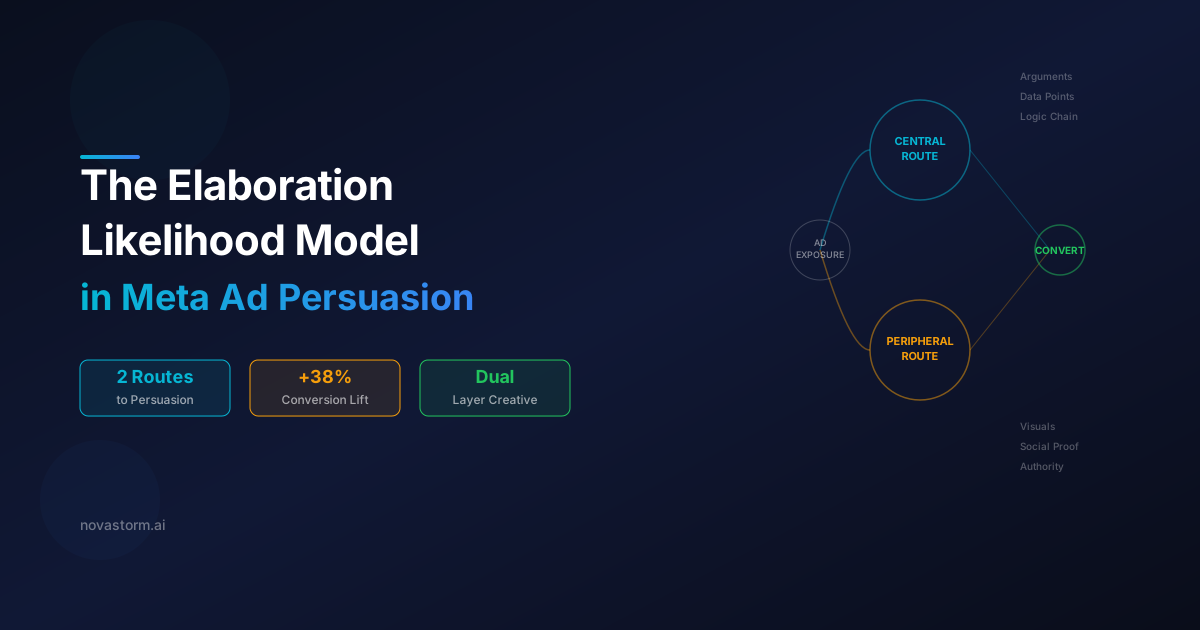
Learn how the Elaboration Likelihood Model shapes Meta ad persuasion through central and peripheral routes. Build ads that persuade at every engagement level.
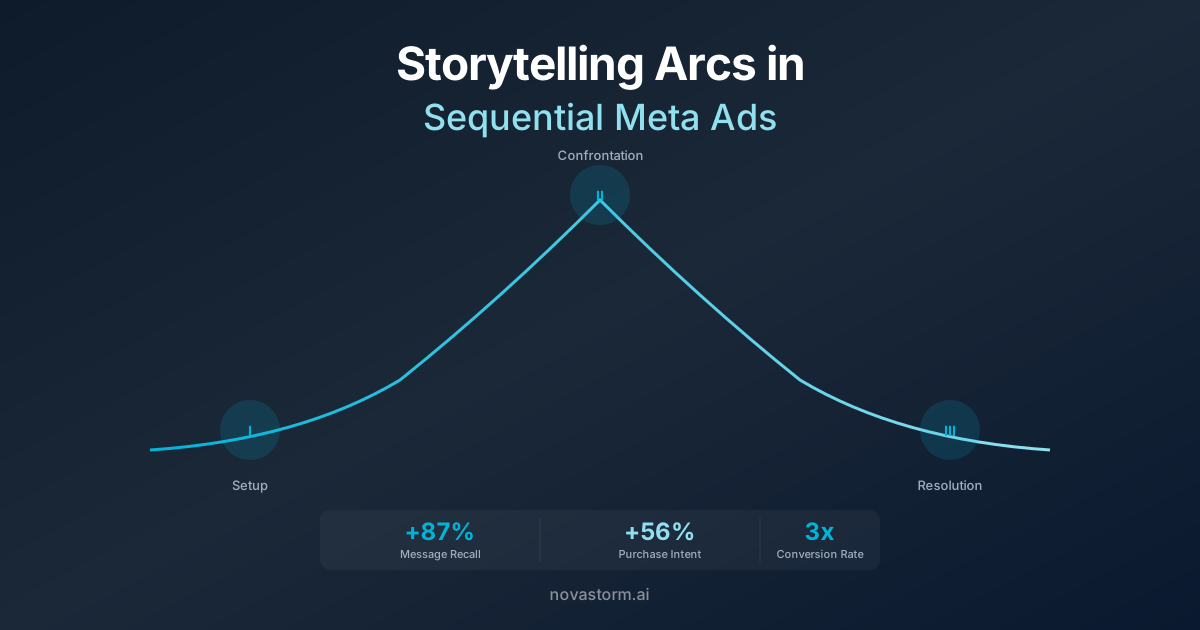
Storytelling Arcs in Sequential Meta Ads: Three-Act Structure
Master the three-act structure for sequential Meta ads. Build storytelling arcs that guide prospects from awareness to conversion with narrative ad sequences.
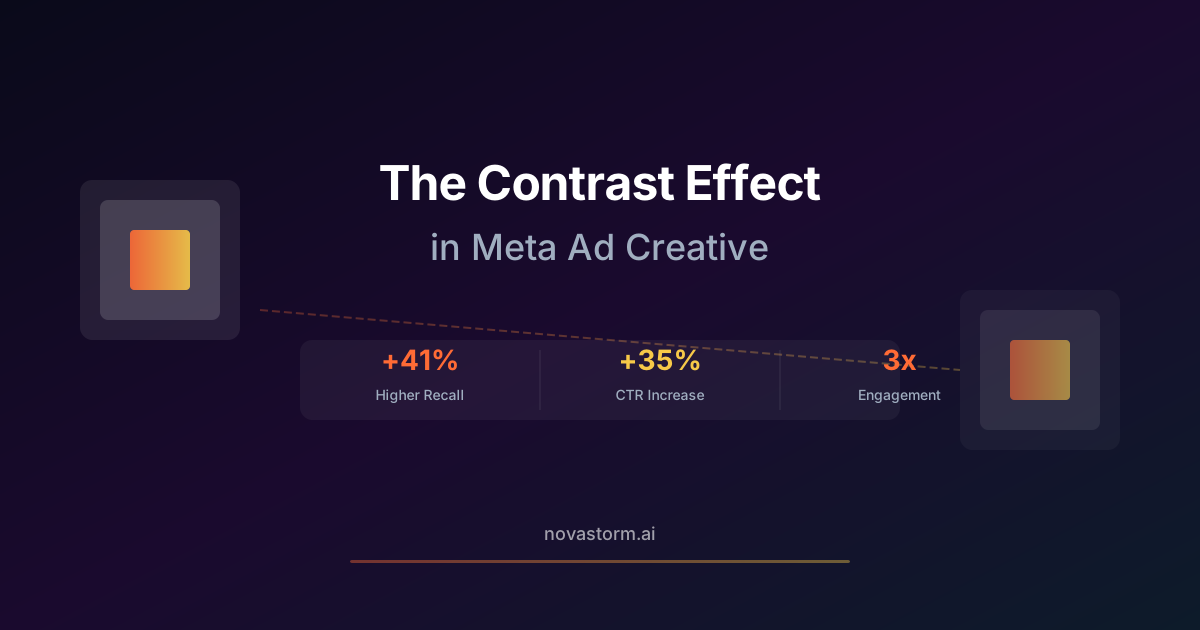
The Contrast Effect in Meta Ad Creative: Standing Out in the Feed
Learn how the contrast effect in Meta ad creative helps your ads stand out in crowded feeds. Proven psychology-backed strategies for higher CTR and engagement.