Session Recording Analysis for Meta Ads Traffic: User Behavior Insights
Learn how session recording analysis reveals why Meta Ads visitors convert or bounce. Discover behavioral patterns and optimization strategies for paid traffic.
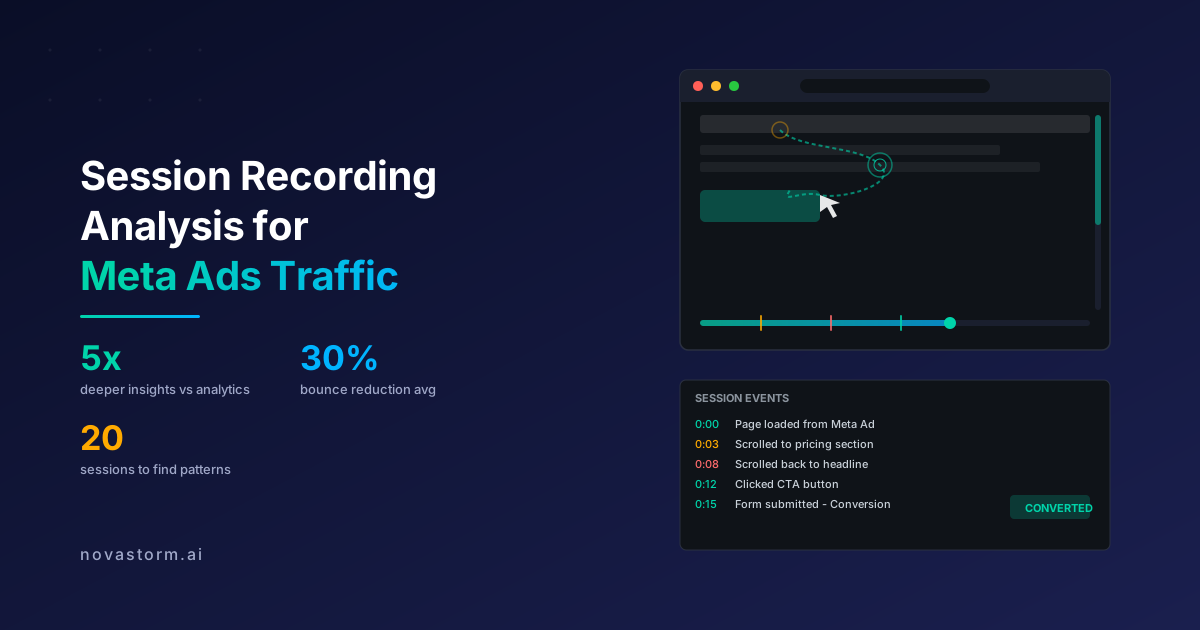
Heatmaps show you where people click. Analytics tell you what pages they visit. But neither explains why a Meta Ads visitor hesitated on your pricing section, scrolled up twice to re-read your headline, and then left without converting. Session recording analysis for Meta Ads traffic fills that critical gap, giving you a frame-by-frame replay of every visitor interaction.
When you spend significant budget driving Meta Ads traffic to your landing pages, you cannot afford to guess why visitors leave. Session recordings transform guesswork into observable evidence, showing you the exact moments where confusion, frustration, or disinterest cause visitors to abandon.
What Session Recording Analysis Reveals About Meta Ads Visitors
Session recording analysis for Meta Ads traffic captures the complete visitor journey from landing to exit. Unlike aggregate analytics, each recording is a real person navigating your page in real time. This qualitative data exposes behavioral nuances that quantitative metrics simply cannot surface.
Meta Ads visitors arrive with expectations shaped by your ad creative. Session recordings reveal whether your landing page meets those expectations or creates a disconnect. You can literally watch the moment a visitor realizes the page does not match what the ad promised.
| Behavioral Signal | What It Means | Action to Take |
|---|---|---|
| Rapid scrolling past content | Content not relevant or engaging | Rewrite copy to match ad messaging |
| Scrolling up to re-read sections | Confusion or need for clarification | Simplify language and add visual cues |
| Hovering over CTA without clicking | Hesitation or uncertainty | Strengthen CTA copy or add trust signals nearby |
| Rage clicking non-interactive elements | Frustration with UX | Make expected-interactive elements clickable |
| Quick exit after form view | Form too long or intimidating | Reduce form fields or add progress indicator |
Setting Up Session Recording for Meta Ads Campaigns
Effective session recording analysis for Meta Ads traffic requires intentional setup. You need to capture the right sessions, tag them properly, and create a review workflow that turns raw recordings into actionable insights.
- Choose a session recording tool that supports traffic source segmentation. Hotjar, FullStory, Microsoft Clarity, and Mouseflow all offer this capability.
- Configure UTM parameter capture so each recording is tagged with its Meta Ads campaign, ad set, and ad creative.
- Set up recording triggers: record all sessions from Meta Ads traffic, or use sampling if volume exceeds your tool's limits.
- Create saved segments for key behavioral cohorts: converters, bouncers, long-session non-converters, and return visitors.
- Establish a review schedule: watch 20-30 recordings per week, focusing on the highest-spend campaigns first.
Always ensure your session recording setup complies with privacy regulations. Display a cookie consent banner, anonymize sensitive form fields, and include session recording in your privacy policy.
Key Behavioral Patterns in Meta Ads Sessions
After reviewing thousands of session recordings from Meta Ads traffic, distinct behavioral patterns emerge. Recognizing these patterns allows you to diagnose landing page issues faster and prioritize fixes with the highest conversion impact.
The speed scanner is the most common Meta Ads visitor type. They arrive, scroll rapidly through the entire page in 3-5 seconds, and either click the CTA or leave. These visitors are scanning for visual cues, not reading copy. For speed scanners, bold headlines, contrasting CTAs, and clear visual hierarchy are essential.
The comparison shopper opens your page alongside competitors. Session recordings show them switching tabs, returning to your page, and comparing specific elements like pricing, features, or reviews. For comparison shoppers, prominent differentiation statements and competitive positioning above the fold reduce tab-switching exits.
The hesitant converter scrolls to the CTA, pauses, scrolls back up to review content, returns to the CTA, and either converts or leaves. Session recording analysis for Meta Ads traffic often reveals that these visitors need one more piece of reassurance, such as a guarantee, a trust badge, or a testimonial placed near the CTA.
Analyzing Bounce Sessions from Meta Ads
The most valuable session recordings are often the bounces. When a Meta Ads visitor leaves within seconds, the recording tells you exactly what went wrong. Common bounce triggers include slow page loads, misleading ad-to-page transitions, and aggressive pop-ups.
Stop wasting ad budget
NovaStorm AI cuts Meta Ads CPA by 40% on average. Start free.
Create a bounce analysis framework by categorizing each bounced session into one of five categories: content mismatch, UX friction, page speed issue, trust deficit, or intent mismatch. Track the frequency of each category to identify systemic problems.
| Bounce Category | Session Behavior | Frequency in Meta Ads | Fix Priority |
|---|---|---|---|
| Content Mismatch | Lands, reads headline, immediately exits | 30-35% | Critical |
| UX Friction | Attempts interaction, gets frustrated, exits | 15-20% | High |
| Page Speed | Blank or loading screen, exits before render | 10-15% | Critical |
| Trust Deficit | Scrolls to pricing/form, hesitates, exits | 15-20% | High |
| Intent Mismatch | Wrong audience, explores briefly, exits | 15-25% | Medium |
Comparing Converter vs. Non-Converter Session Patterns
The most powerful application of session recording analysis for Meta Ads traffic is comparing how converters and non-converters behave on the same page. This comparison reveals the critical interactions that separate buyers from bouncers.
Converters from Meta Ads typically share these session characteristics: they spend time on social proof sections, they interact with pricing information, they scroll at a moderate pace rather than speed-scanning, and they often re-visit the hero section before clicking the CTA.
- Converters spend 2-3x longer on testimonial and review sections than non-converters.
- Converters interact with pricing tables or plan comparisons before reaching the CTA.
- Non-converters often skip past social proof entirely during their speed scan.
- Converters who engage with FAQ sections convert at 40% higher rates.
- Non-converters show higher rates of upward scrolling, indicating confusion or unmet questions.
Building a Session Review Workflow
Watching random session recordings is time-consuming and often unproductive. A structured review workflow ensures you extract maximum value from every recording session.
Start each review session with a specific question. Instead of asking what are users doing, ask why are users from Campaign X bouncing at a 70% rate. Filter recordings to that campaign, watch 15-20 sessions, and document patterns. This focused approach turns a two-hour review into 30 minutes of targeted analysis.
Use playback speed of 2x-4x for initial screening, then slow down to 1x when you spot interesting behavior. Tag recordings with custom labels like 'hesitation-at-CTA' or 'form-abandonment' for future reference.
Document findings in a structured format: observation, hypothesis, proposed test. For example: Observation: 8 out of 20 visitors from Campaign A scrolled past the CTA without seeing it. Hypothesis: The CTA blends into the background and lacks visual contrast. Proposed test: A/B test a high-contrast CTA button color against the current design.
Integrating Session Insights with Meta Ads Strategy
Session recording insights should flow directly back into your Meta Ads strategy. If recordings reveal that visitors from a specific audience segment consistently bounce due to content mismatch, adjust your ad creative or targeting rather than just fixing the landing page.
When session recording analysis for Meta Ads traffic shows that visitors engage deeply with certain content types, create ads that preview that content. If recordings show high engagement with video testimonials on the landing page, test ads that feature customer testimonials to pre-qualify visitors.
The feedback loop between session recordings and ad optimization is what separates sophisticated advertisers from those who simply increase budgets. Every session recording contains a lesson about your audience, your messaging, and your conversion process. The question is whether you are watching closely enough to learn.
Start with your highest-spend campaign, watch 20 recordings, and implement one change this week. That single change, informed by real user behavior rather than assumptions, will likely outperform months of blind optimization.
Novastorm AI automates Meta Ads routine — from monitoring to optimization. Learn more at novastorm.ai
Disclaimer: This article was generated with the assistance of AI and reviewed by the NovaStorm AI team. While we strive for accuracy, we recommend verifying specific data points and consulting official sources (linked where available) for critical business decisions.
Ready to automate your Meta Ads?
NovaStorm AI takes full responsibility for your campaigns — from monitoring to optimization.
Get Started FreeRelated Articles
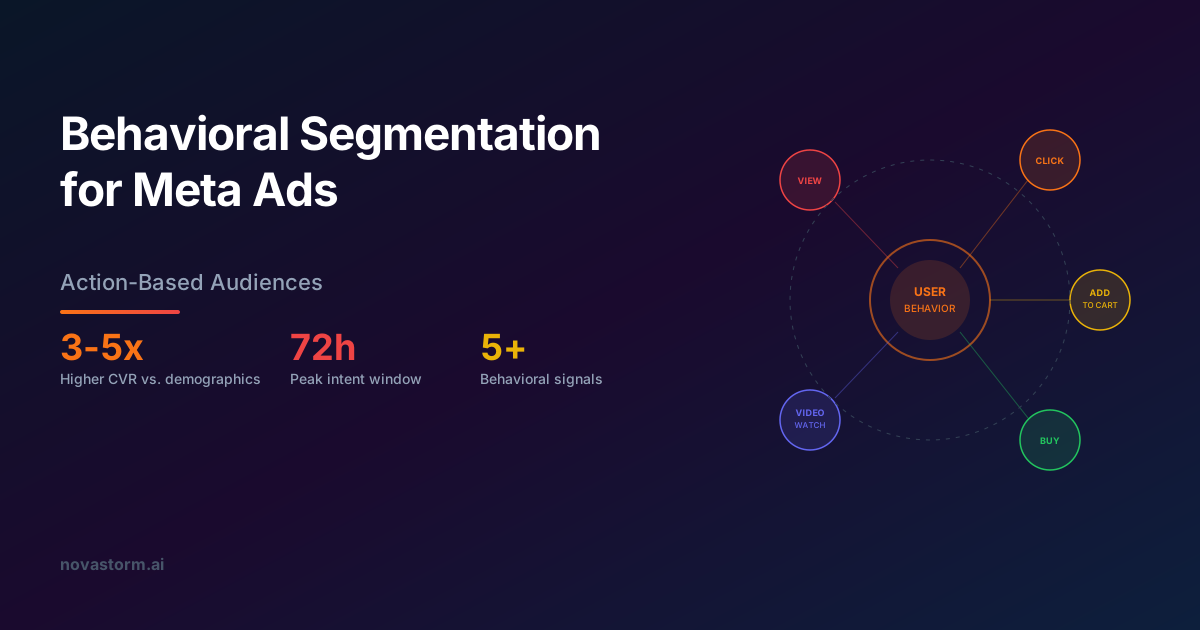
Behavioral Segmentation for Meta Ads: Action-Based Audiences
Master behavioral segmentation for Meta Ads. Build action-based audiences from website events, app activity, and engagement signals to drive higher conversion rates.

Above the Fold Optimization for Meta Ads Landing Pages
Master above the fold optimization for Meta Ads landing pages. Learn which elements to prioritize in the first viewport to maximize conversions from paid traffic.
Tiered Pricing in Meta Ads: Good-Better-Best Frameworks
Master tiered pricing in Meta Ads using the good-better-best framework. Learn how to present multiple price points that guide customers to your ideal tier.